
Before You Download
Three checks make this install smooth. First, know your phone: Kipsta Football needs an arm64-v8a device on Android 5.0 or later, and nearly every phone sold in the last several years qualifies. Second, free the storage: keep about 3 GB free for the first launch data download that follows the install. Third, plan the Wi-Fi: the data download runs on Wi-Fi, so start it where the connection is steady.
The file itself is small, and the countdown on this page is short. When the button appears, tap it once and let the file finish downloading completely before you open it.
Installing After the Download
Open the finished file from your downloads folder. Android will ask you to allow installs from the browser or Files app you used: allow it for that app only, then confirm. The icon joins your app drawer, a gold KF mark on a deep green pitch.
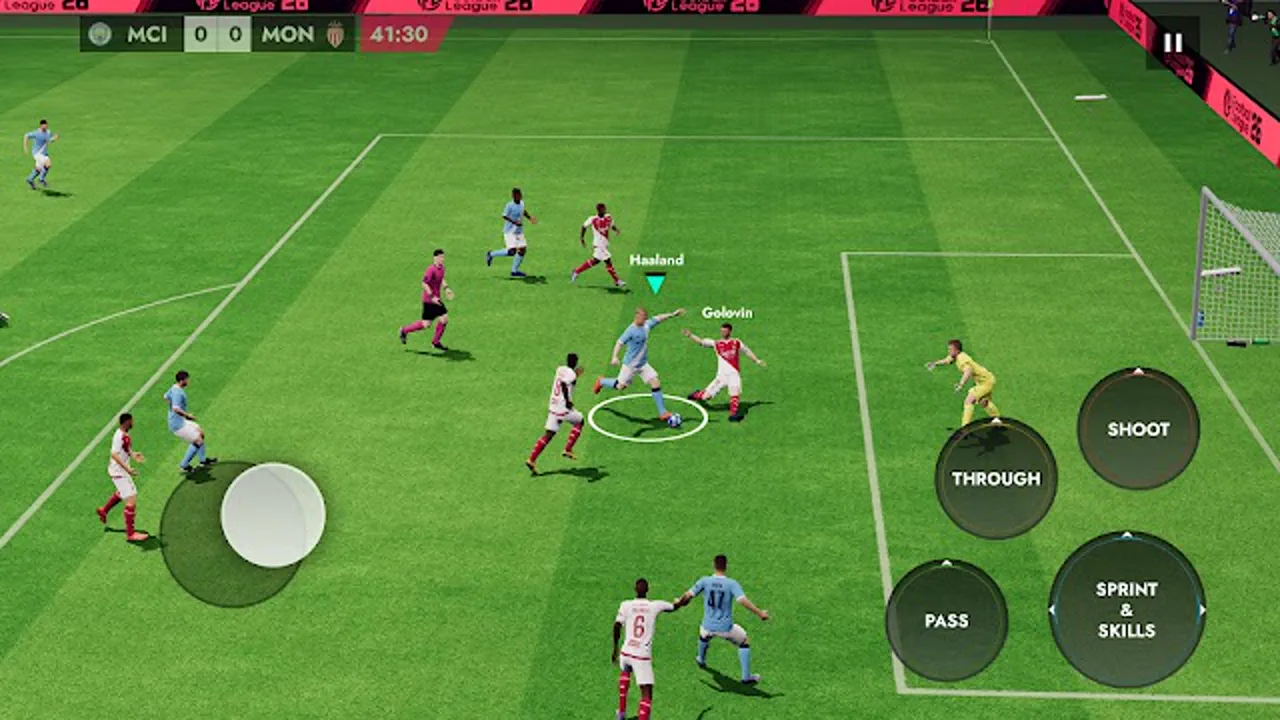
Open the game on Wi-Fi and let the first launch data download finish before your first match. Then sign in inside the game itself and play a friendly first: one quick match confirms the controls and the connection before you start a league or a division run.
Why Download From Here
Every build on this page is checked on our own Android phones before the button goes live: the file is fetched fresh, the package name and size are compared against the APK details table, the install is run on a clean phone, and the first launch is timed on Wi-Fi. The APK details table on this page lists the checked facts, and the review routine behind them is written out on the how we review page.
The file is linked on this page: Kipsta Football v11.1.1, 71.63 MB, and the button above points straight at it. The APK details table and the install steps above are the checked facts for this build.