
Guide
Kipsta Football Graphics Settings: Smooth Play on Any Phone
The Kipsta Football graphics settings decide whether a match feels smooth or stutters. Here is what each preset does and what your phone should run.

On this page
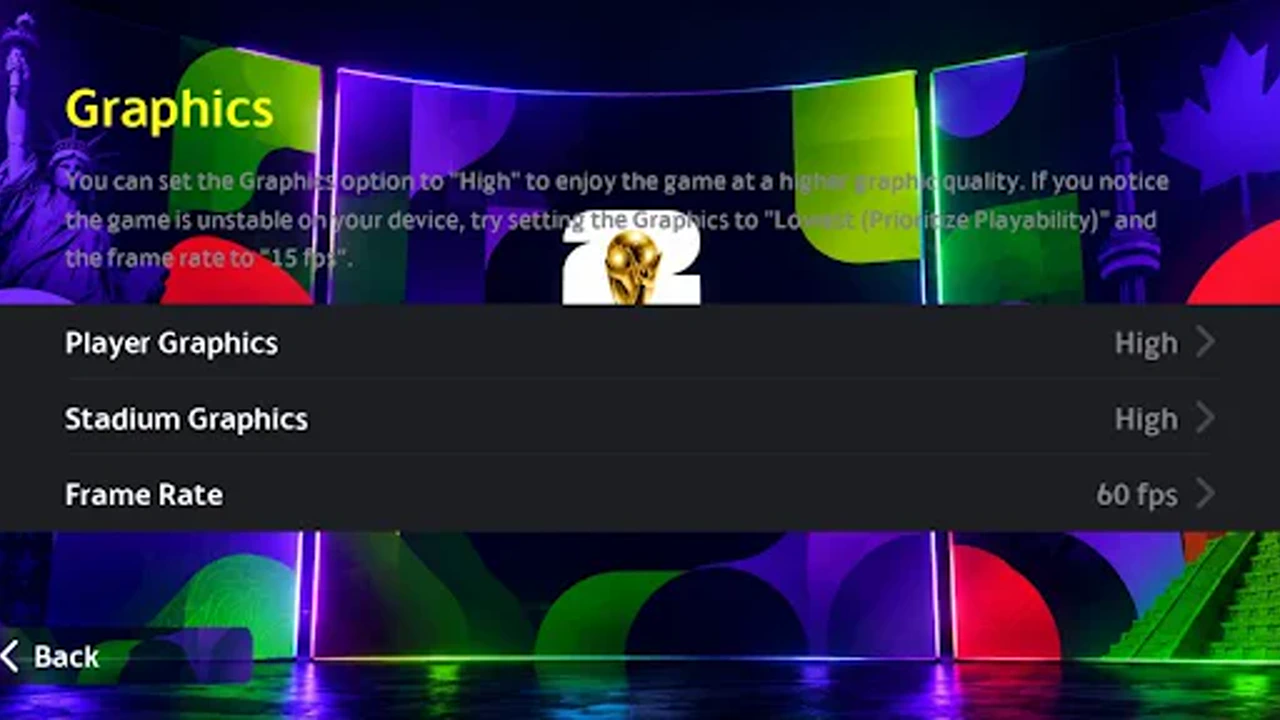
A match that stutters is a match you lose, and the graphics settings are the difference. The Kipsta Football settings screen holds a handful of choices that decide whether the game runs smooth on your phone or drops frames at the worst moment. Here is what each one does, and what to pick.
The presets explained
The presets bundle the settings into one choice: low, medium, high and very high. Low drops the crowd detail, the shadows and the grass quality. High adds them back, and very high adds the floodlight bloom and the sharpest pitch.
Start on medium and play three matches. If the game holds its frame rate, try high. If it stutters, drop to low. The preset is a starting point, not a badge of honour.
Frame rate first
Frame rate matters more than any visual setting. A smooth 60 frames per second lets you time tackles and shots, while a pretty 30 frames per second makes every challenge arrive late.
If your phone offers a high frame rate option, take it before you raise anything else. Then lower the resolution one step if the phone gets hot, and the frame rate will hold.
Resolution and crowd
Resolution decides how sharp the players look, and crowd density decides how alive the stadium feels. Both cost performance, and the crowd costs more than most players expect.
Drop the crowd density first when a match stutters. The pitch stays sharp, the players stay readable, and the crowd is the last thing you look at during a counter attack.
What low end phones should pick
Low end phones should run the low preset with a high frame rate. The game looks simpler, but the ball moves smoothly, the tackles land on time, and the divisions stop feeling unfair. The Kipsta Football on Low End Phones: Settings That Keep It Smooth walkthrough covers that side of the game in full.
Turn the shadows off and the grass detail down before you touch anything else. Those two settings cost the most frames for the least visible gain on a small screen.
Battery and heat
High settings drain the battery and heat the phone, and a hot phone slows itself down mid match. If your phone gets warm after twenty minutes, the settings are too high for it.
Play plugged in for long sessions, keep the phone out of direct sun, and close background apps before a division match. A cool phone holds its frame rate to the final whistle.
Testing your settings
Test settings in a friendly, not in divisions. Play a full match at the new preset and watch the busy moments: a counter attack, a crowded box, a rainy night match. Those are the moments that expose a weak setting.
Change one setting at a time. Change three at once and you will never know which one fixed the stutter, or which one caused it.
When to raise them again
Raise the settings again after an update, or after you change phones. Updates often improve performance, and a setting that stuttered last season may run smooth now.
Raise them one step at a time, and play three matches at each step. Patience here is worth more than a pretty first screenshot.
Conclusion
Frame rate first, crowd density second, and everything else after. Start on medium, test in a friendly, and change one setting at a time. A smooth match on low settings beats a stuttering match on high ones, every single time.
Quick Answers
What are the best graphics settings for Kipsta Football?
Start on medium with a high frame rate, then raise or lower one step at a time. Frame rate matters more than shadows or crowd detail, so protect it first.
Why does Kipsta Football lag on my phone?
Usually the graphics preset is too high for the phone. Drop to the low preset, turn shadows off, lower crowd density, close background apps, and play on Wi-Fi.
Should I use high frame rate in Kipsta Football?
Yes, if your phone offers it. A smooth frame rate lets you time tackles and shots, and it matters more than resolution or crowd detail.
Does Kipsta Football drain the battery fast?
High settings drain the battery and heat the phone, and a hot phone slows down mid match. Use lower settings for long sessions and play plugged in when you can.